not.bot Verified Creator

Deepfakes are everywhere, and they're getting very good.
How will we know what's real?
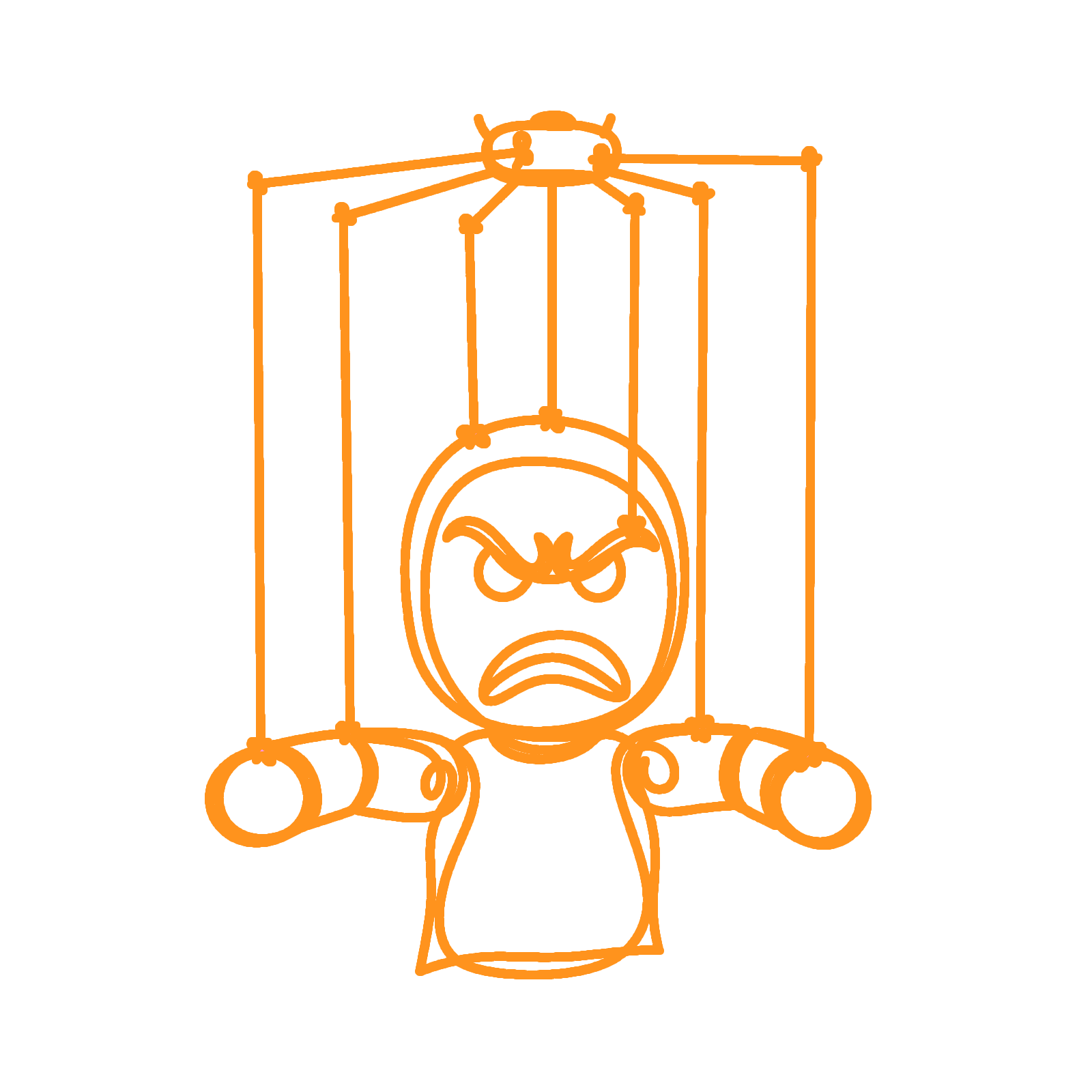
For influencers, deepfakes mean lost revenue, as unscrupulous marketers bypass the influencer and produce their own product placements and promotions using that influencer's likeness.
For politicians, business leaders and news agencies, deepfakes lend credibility to lies. When an unethical activist "rolls the tape" to present fake evidence, everyone loses.
For celebrities and anyone with a public image, deepfakes can wreck reputation. The court of public opinion can be swift and vicious.
Verified Creator badges securely link a not.bot alias to a specific social media account. Any stickers created with that badge will show the Verified Creator badge instead of a reserved name or petname, and will be highlighted in a special color.
Here's how it works
To request a Verified Creator badge for one of your aliases, you will be given a small block of text to post on your social media account.
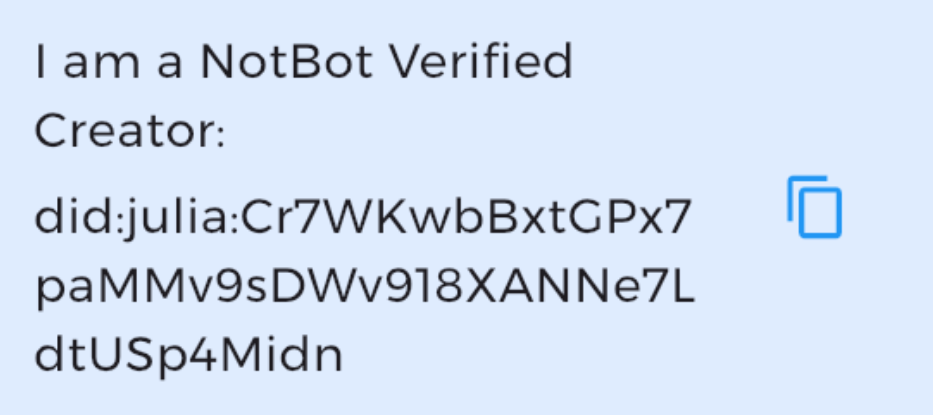
Once it has been posted, submit a publicly-accessible URL where Julia Social can confirm it has been posted by that account
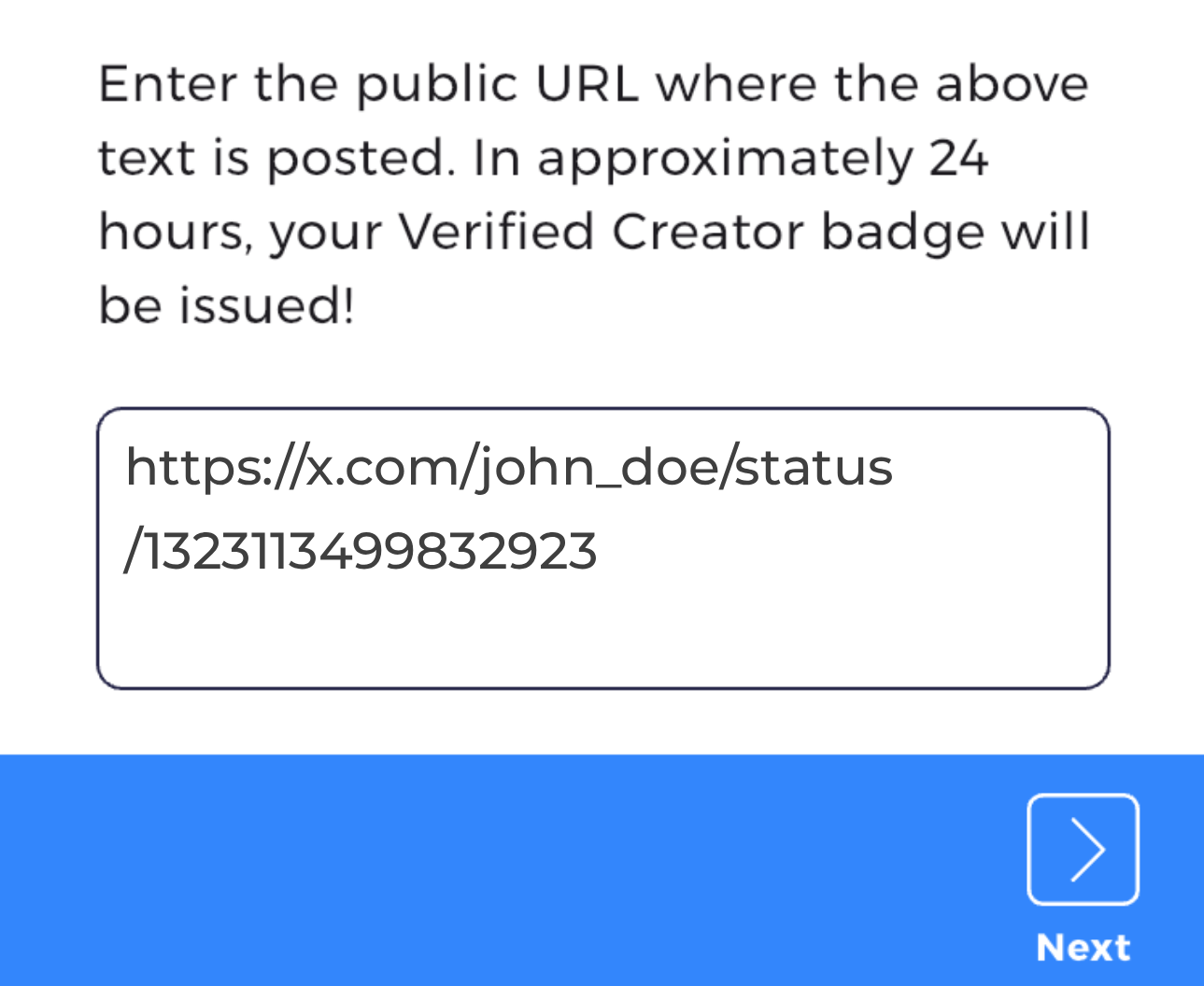
Within 24-48 hours you will receive your Verified Creator badge!
Now you can include that badge in any stickers you create with that alias.
To sign a video
Follow these steps to add a verifiable sticker to your video.
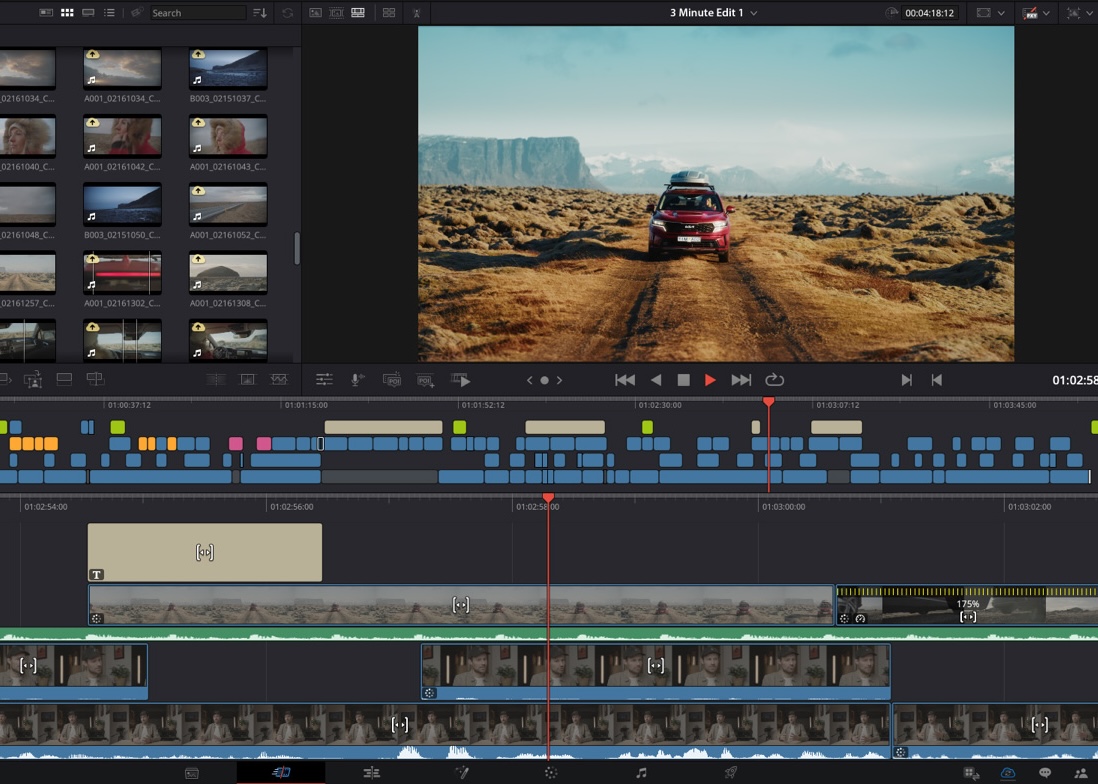
1. Create the video
Create your video that you want to sign.
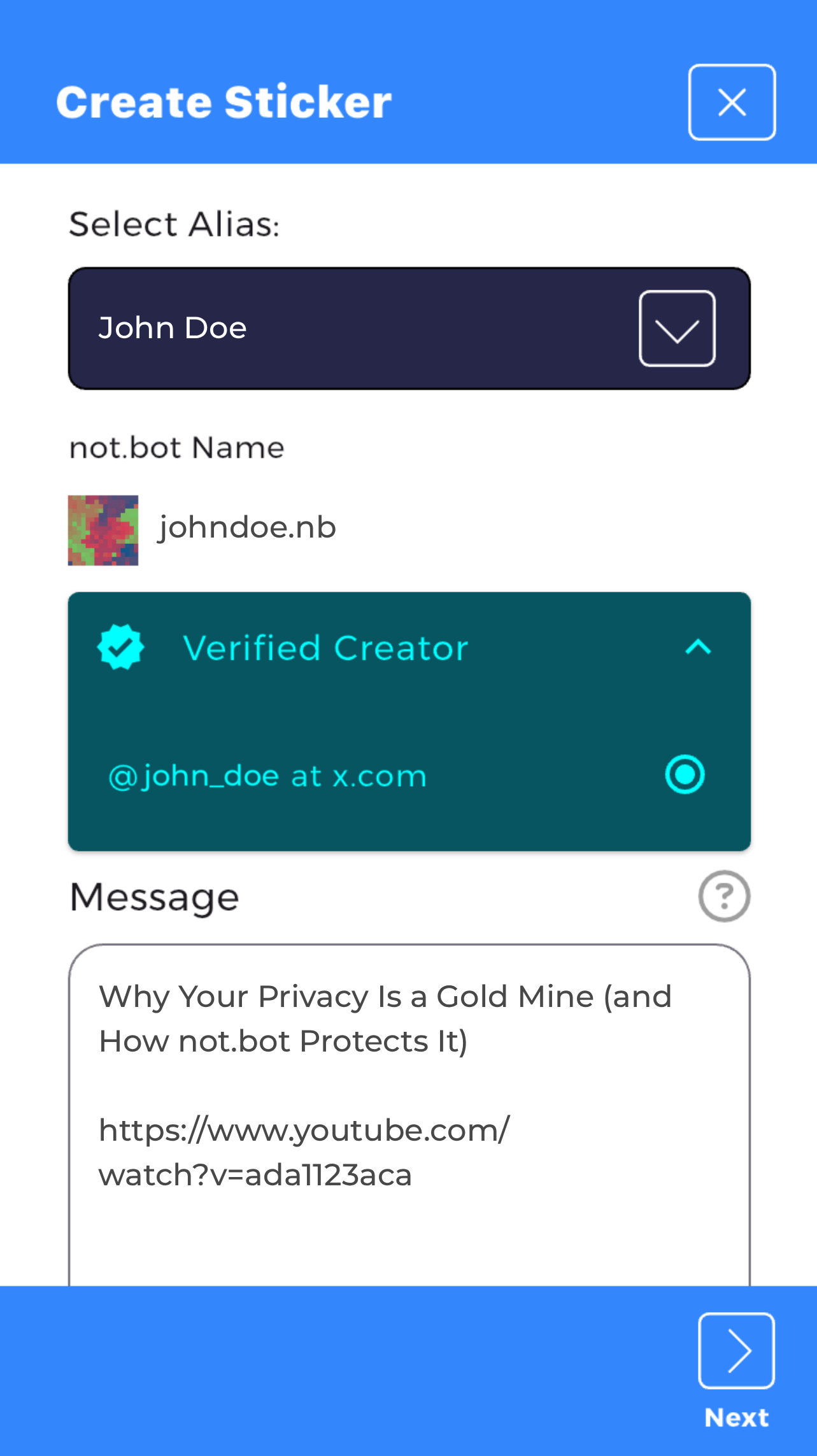
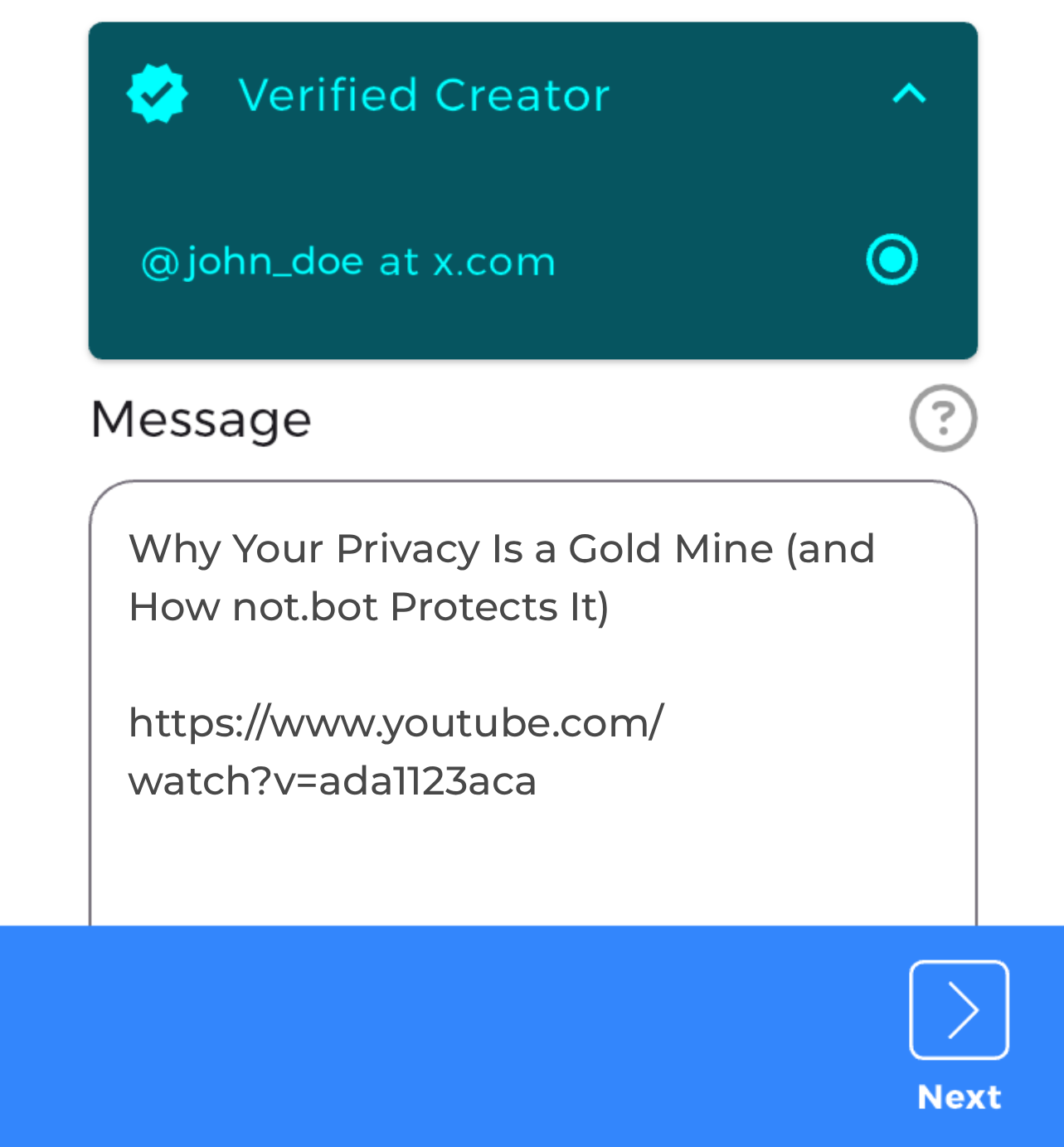
2. Create a message sticker
Make a sticker with a message that clearly describes the video and its key content.
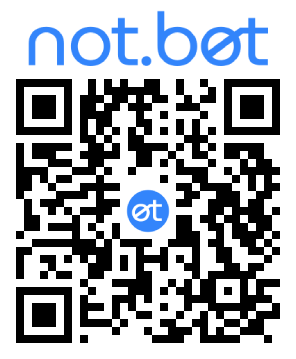
3. Create a QR code sticker
Generate a QR code sticker that encodes the message and includes your Verified Creator badge.
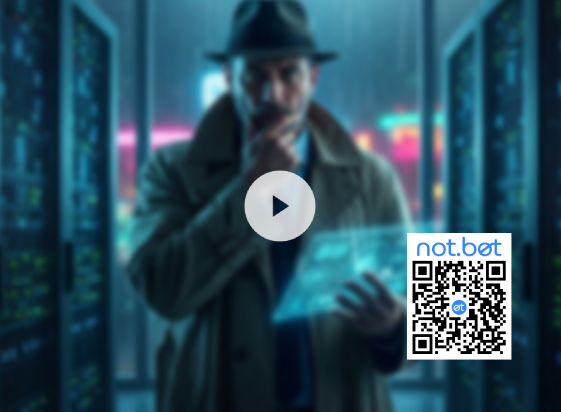
4. Edit the sticker into your video
Place the sticker so it's ~10% of the video's width (in pixels). Show it in the first few seconds so viewers immediately know the video is signed.
Scan the sticker
1. Scan from a computer screen
Point your phone camera at the video playing on your computer. The not.bot app will automatically open and show the signature.
2. Scan from your phone
Take a screen capture (press Volume Up + Power), then open the screenshot in the not.bot app. The app will scan the sticker.
Internet-Wide Recognition
Everywhere you use that alias, regardless of platform, or even in person, you can include your Verified Creator badge so everyone knows it's you.
- A YouTube creator that wants to engage with fans on X or Discord can use a Verified Creator sticker so everyone knows it is really them.
- A TikTok creator that posts longer content on YouTube can use a sticker to prove the YouTube account isn't just a deepfake.
- Reporters can use stickers to label the videos they take
- Content creators can prove their online identity at in-person events like conferences.
What stops people from copy-pasting my not.bot sticker on their deepfaked video?
- Nothing. But if the message in the not.bot sticker is clear and complete, then anyone that scans it will know it is obviously wrong for the video it's on.